


Windows · DirectShow · zero config

Avoid the photobomb.

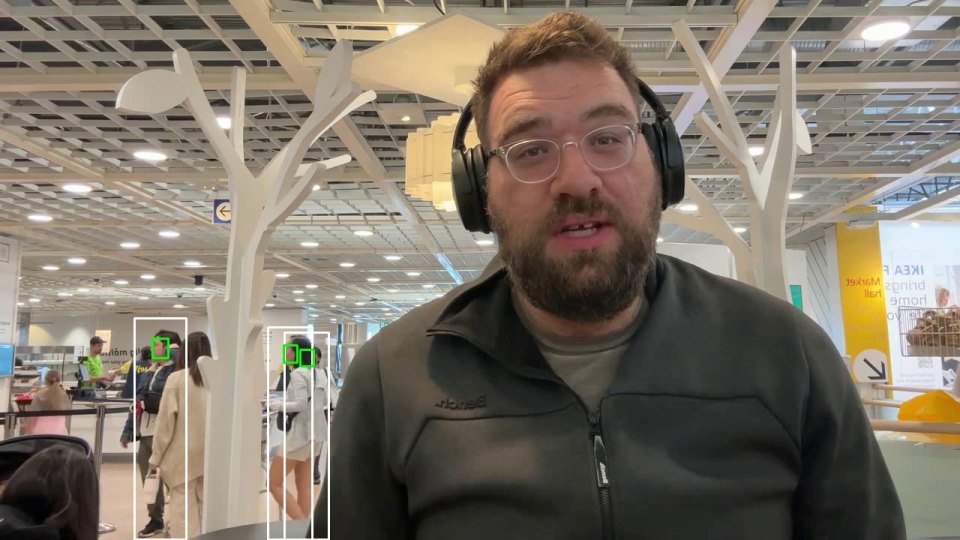
VeBeGe hides the people you didn't invite onto the call, family, roommates, delivery guys, without blurring your background like every other tool. Pick the (VeBeGe) version of your camera in Zoom, Meet, or Teams, and anyone who isn't you is quietly gone before the call ever sees them. It just works, nothing to configure.

Video: VeBeGe running live inside a Zoom call 1280×720 mp4/webm, ~15s loop
Virtual Background VBG Ve·Be·Ge

Not a slogan: the initials. VeBeGe is what Virtual Background sounds like when you say it fast.

Real-time person removal
Zoom · Meet · Teams · OBS
Runs fully local, nothing uploaded
Camera LED off until you're live
How it works

One extra webcam. Zero photobombs.

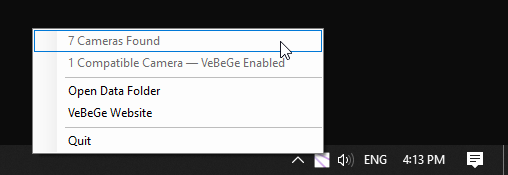
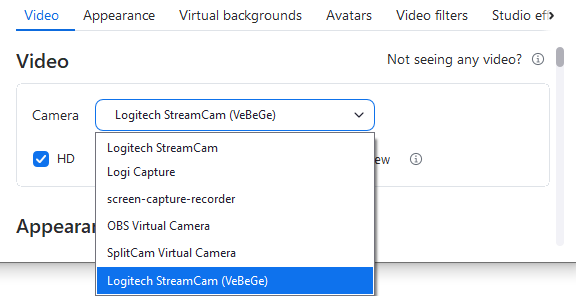
VeBeGe's driver registers a virtual twin of every physical camera it finds, up to 8. Choose the (VeBeGe) version in any video app's camera dropdown and you're covered. Nothing else to set up.

🖥️ Screenshot: Zoom camera picker Logitech StreamCam Logitech StreamCam (VeBeGe) ✓ FaceTime HD Camera FaceTime HD Camera (VeBeGe)
1

Install VeBeGe

The driver and service stage themselves into %ProgramData%\VeBeGe on first run. No admin prompt, no reboot.

2

Pick the (VeBeGe) camera

A background service keeps one virtual twin registered per physical webcam, updating live as devices come and go.

3

Join your call

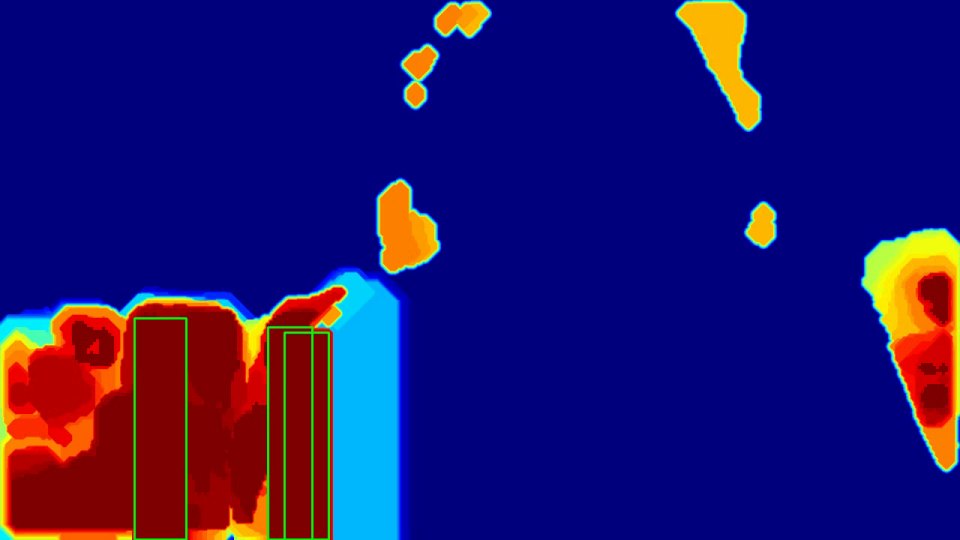
Face detection, person segmentation and background replacement run on every frame, only while something is actually streaming from the twin.

See the save

A real photobomb, side by side.

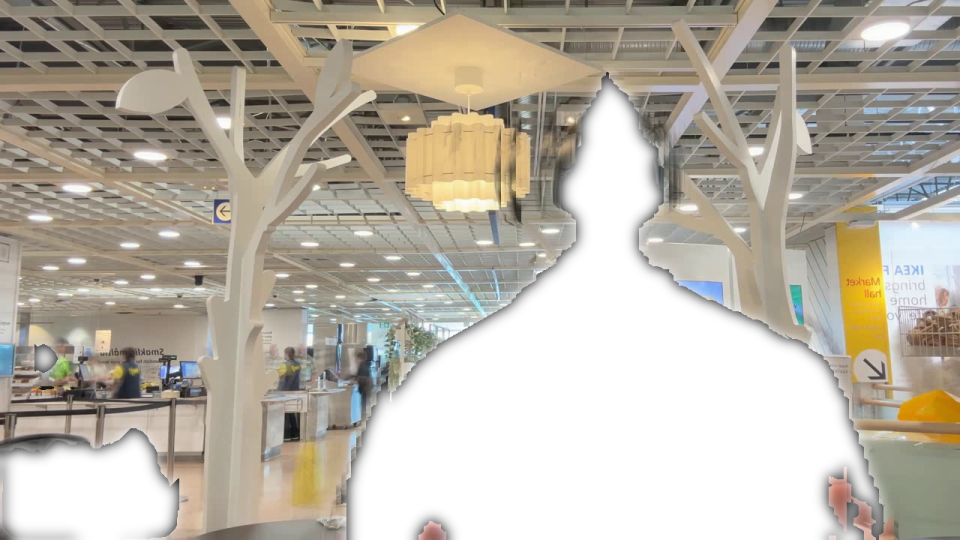
What the room saw, and what VeBeGe would have sent instead: the wandering roommate replaced by the background VeBeGe had already learned, in the same frame.

Before, no VeBeGe
Vertical video 9:16, ~10s, person walks into shot mid-call
After, with VeBeGe
Vertical video 9:16, ~10s, same moment, replaced with the learned background
Origin story

It started as JustShowMe.

JustShowMe was the first version of this idea: a webcam filter with a GUI, a live before/after preview, and an "Add Face" button to mark yourself as allowed. It worked: face detection with YuNet, recognition with SFace, and a Virtual Background mode that learned the room behind you and quietly erased anyone who wasn't on the allow list.

JustShowMe proved the underlying idea works: real-time face detection, person segmentation, and a virtual background people simply disappear into, running live on ordinary hardware. VeBeGe takes that same pipeline and makes it click and go. A per-user background service replaces the app you had to open, a virtual camera stands in for every device you own, and a name in a dropdown replaces a button you had to remember to press. Point Zoom at the (VeBeGe) camera once, and it's on for good.

Works with what you already use.

No new call software, no browser extension, no plugin inside Zoom. VeBeGe is just another camera on your system.

  • Any DirectShow app: Zoom, Chrome/Edge Meet, OBS, Discord
  • Windows 10/11, x64
  • Runs fully local, no cloud, no upload, ever
  • Camera LED stays off until an app actually streams from it
🎛️ Screenshot: VeBeGe service running quietly
FAQ

Not another blur tool.

Blurring hides your whole room and still shows a moving blob behind you. VeBeGe is built for a narrower, more common problem: someone you didn't invite walking into frame.

How do I stop people appearing in my Zoom background?

Install VeBeGe and pick the (VeBeGe) version of your webcam in Zoom's camera settings. Anyone who isn't the presenter is removed from the frame in real time, before the video ever reaches Zoom.

Is there an alternative to blurring my Zoom background?

Yes. VeBeGe removes only the people who shouldn't be seen and fills that space with the real background it already learned, so your room stays sharp instead of a blurry smear.

Can it keep family members or roommates out of a call?

Yes. If someone walks behind you mid-call, VeBeGe removes them from the outgoing video automatically, no pausing, no muting video, no explaining afterward.

Does it need setup during the call?

No. VeBeGe runs as a background service. Select the (VeBeGe) camera once, and every future call is filtered automatically. It just works.

Stop the next photobomb before it happens.

James Hansen, creator of VeBeGe
Who made this

Hi, I'm James.

VeBeGe is free. I built it because I like using AI and code together to solve real, specific problems, this one started as a smaller tool called JustShowMe and grew from there. If you have thoughts on VeBeGe, ideas for where it should go next, or a project you think I'd be a good fit for, I'd genuinely like to hear about it.